Running the simulation
ros2 launch x500_gazebo sim.launch.xml
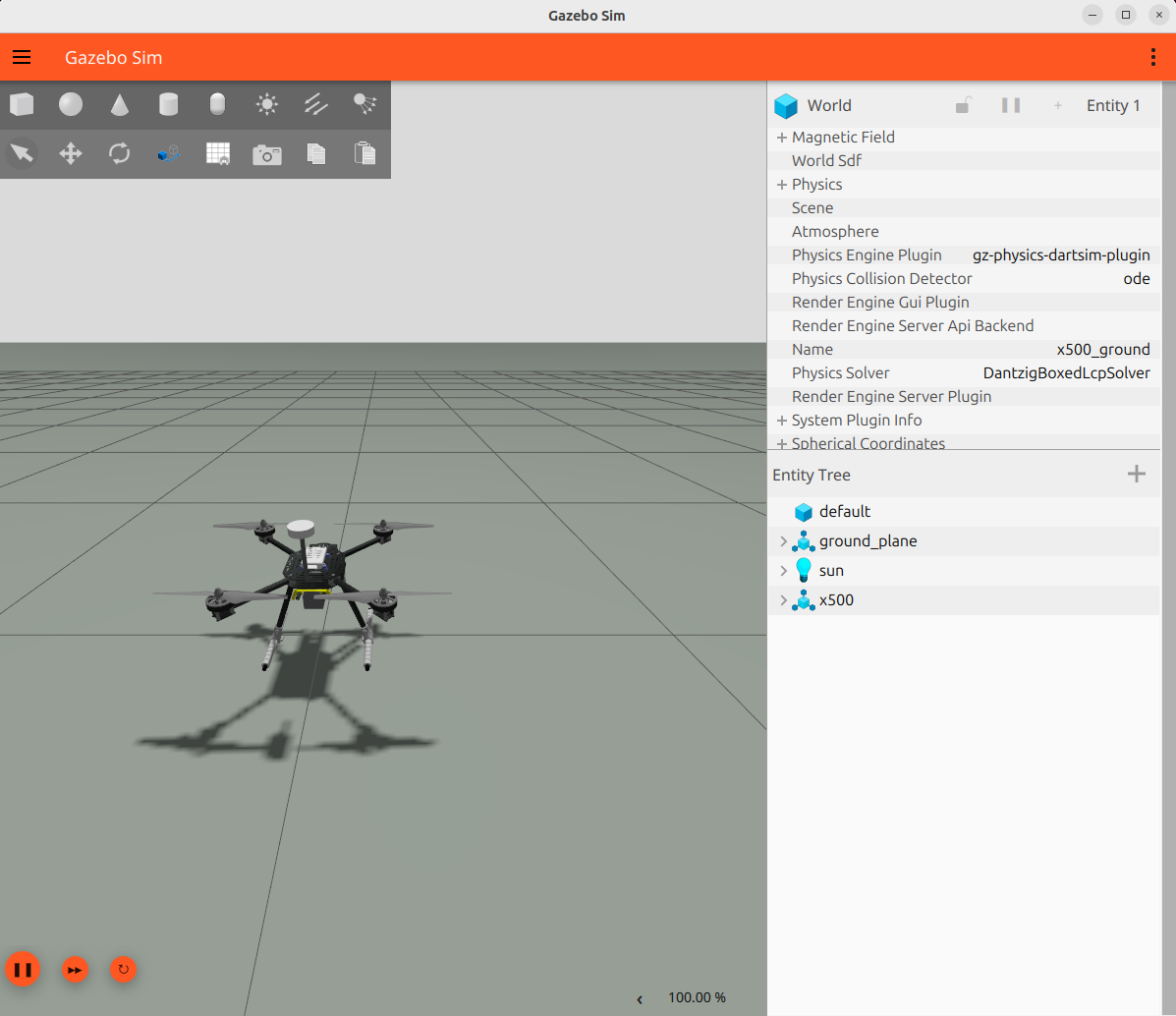
Launches the vehicle in its default configuration: every artifact of the
loadout is generated at start (URDF, composed model, bridge config, into
a directory under $ROS_HOME), the model is spawned as x500 into the
ground world and the ROS bridge comes up with it. The vehicle rests on
its landing gear; the rotors idle until an autopilot publishes on the
motor bus (Actuators).
To run a custom vehicle instead, pass a loadout file with config_file:=;
the configuration page lists the slots and
Change the loadout walks through writing one.
Choosing the world
By default the vehicle is spawned into the vehicle free ground world
(x500_ground.sdf). The world:= argument swaps the environment without
changing anything else about the simulation: pass any vehicle free world
SDF:
ros2 launch x500_gazebo sim.launch.xml world:=/path/my_world.sdf
# for example
ros2 launch x500_gazebo sim.launch.xml world:="$(ros2 pkg prefix --share x500_gazebo)/worlds/x500_playground.sdf"
In RViz
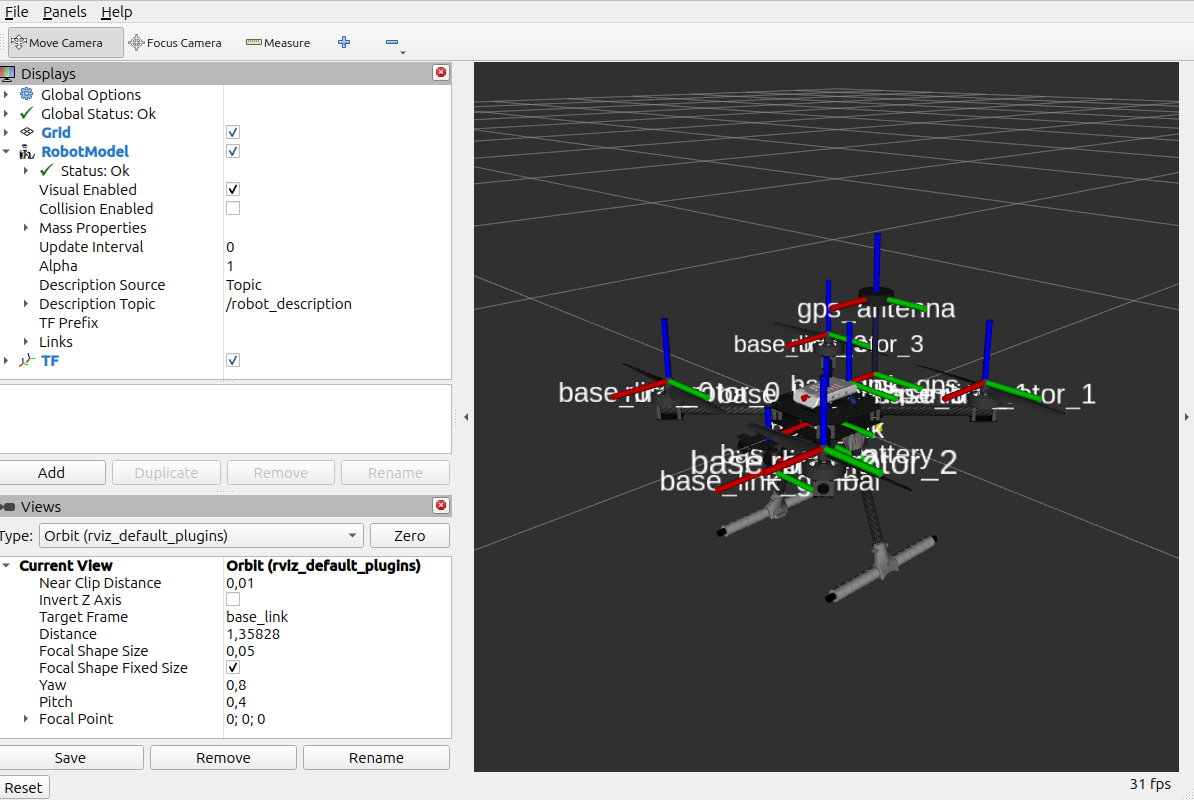
To see the model in RViz:
ros2 launch x500_description display.launch.xml