First simulation
Bring up the X500 with the full ROS stack (Gazebo server, ros_gz bridge, robot_state_publisher and the Gazebo GUI):
ros2 launch x500_gazebo sim.launch.xml
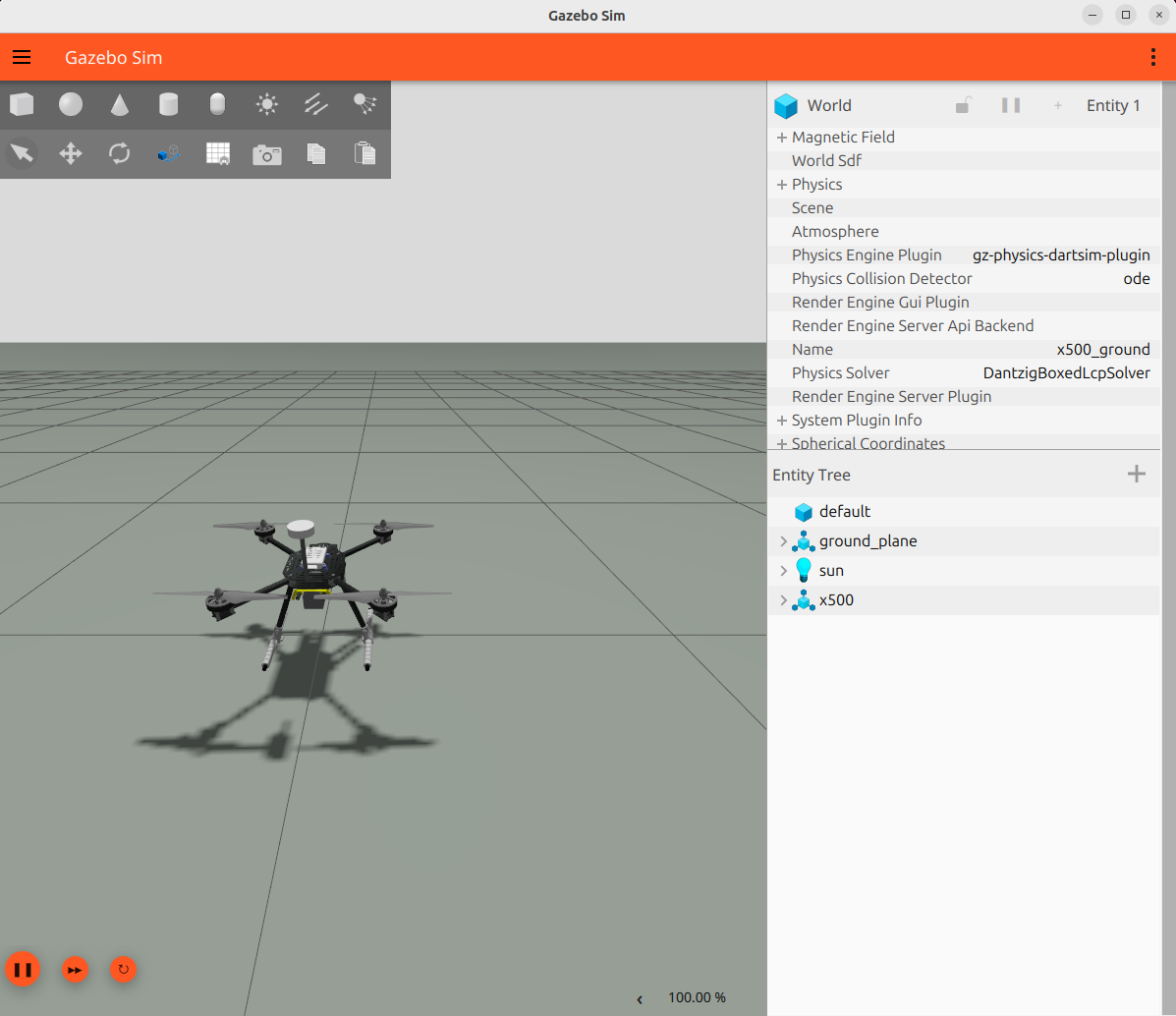
Gazebo opens with the X500 resting on its landing gear:
the airframe
its four 1345 propellers
the 4S battery
the GPS mast
That is the default configuration; no configuration was involved. The model carries no control layer, so the rotors idle until an autopilot publishes on the motor bus (Actuators).
In a second terminal (also sourced), the flight sensors publish right away:
ros2 topic echo /x500/imu --once
ros2 topic echo /x500/gps/fix --once
Next: change what is fitted. The Running page covers worlds, custom configs and RViz.